
Prepare the input
A brief with the goal, audience, tone of voice, checkable facts and what must never be said. It's what turns a generic answer into a useful draft.
UK editionFor marketing professionals · Free example
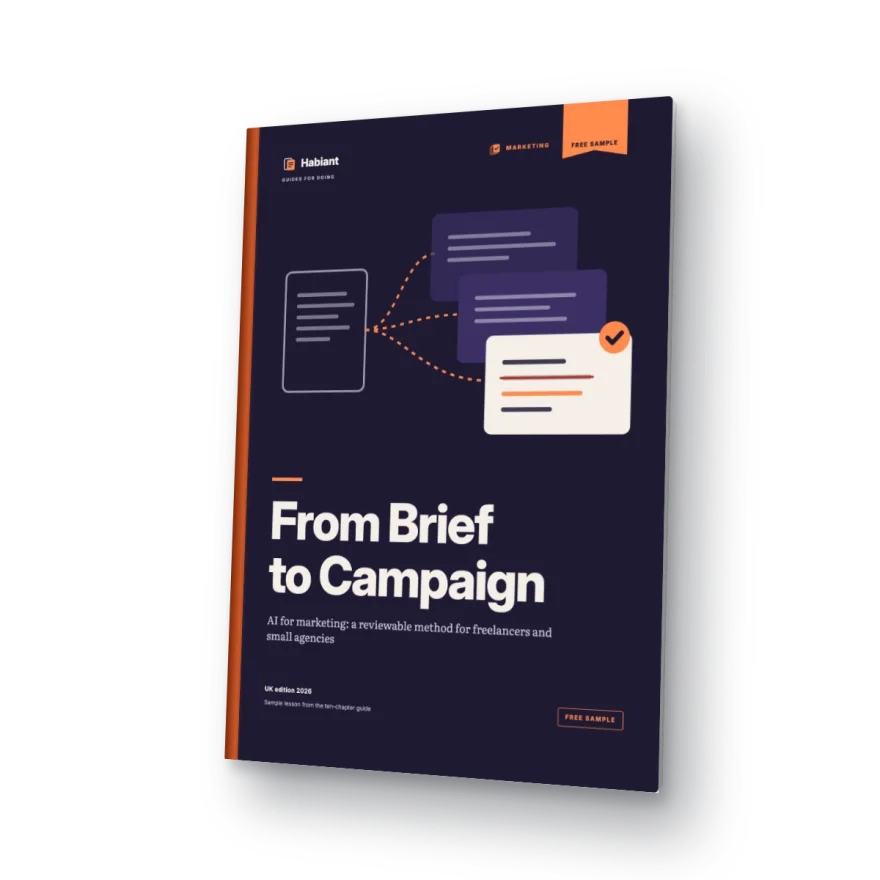
Practise on a complete job: a fictional brand's brief, the prompt, three annotated drafts and the review sheet we use before anything goes to a client.
4 short questions · PDF access by email · No card needed
Every claim traced to the brief
Invented date caught and removed
See the method work
The worked example from the free sample, step by step: mark the facts, prompt with limits, compare the drafts and catch what the assistant invented.
Silent animated illustration of the free sample’s worked example. Fictional brand; no real product, client or tool is shown.
A process you can follow
A brief with the goal, audience, tone of voice, checkable facts and what must never be said. It's what turns a generic answer into a useful draft.
A social post, an email and an ad from the same information, using instructions you reuse with every client.
A checklist for facts, permissions, tone and brand consistency. AI suggests; you decide what gets published.
The tool isn't the problem
Without the client's voice, facts and limits, AI writes for anyone. Clients notice on the first read.
Rewriting the tone, correcting facts and cutting what doesn't belong turns the shortcut into yet another task.
A one-off prompt isn't a process: you can't reuse it, delegate it or keep it working when the client or the team changes.
Inside the example
Open the email link to generate and download your personal PDF.
Get the free sampleWho it's for
What you can put to work
One brief, three drafts and a checklist for checking claims before publication.
Use one approved text assistant and the fictional input. No previous AI experience is required, and no subscription is needed to read the lesson.
How to get your copy
Four short questions and your contact details. Do not include client information.
We will email you a personal link. Clicking it confirms your address and generates your copy.
The link opens a page with a download button. Save the PDF and work through the example at your own pace.
And after that
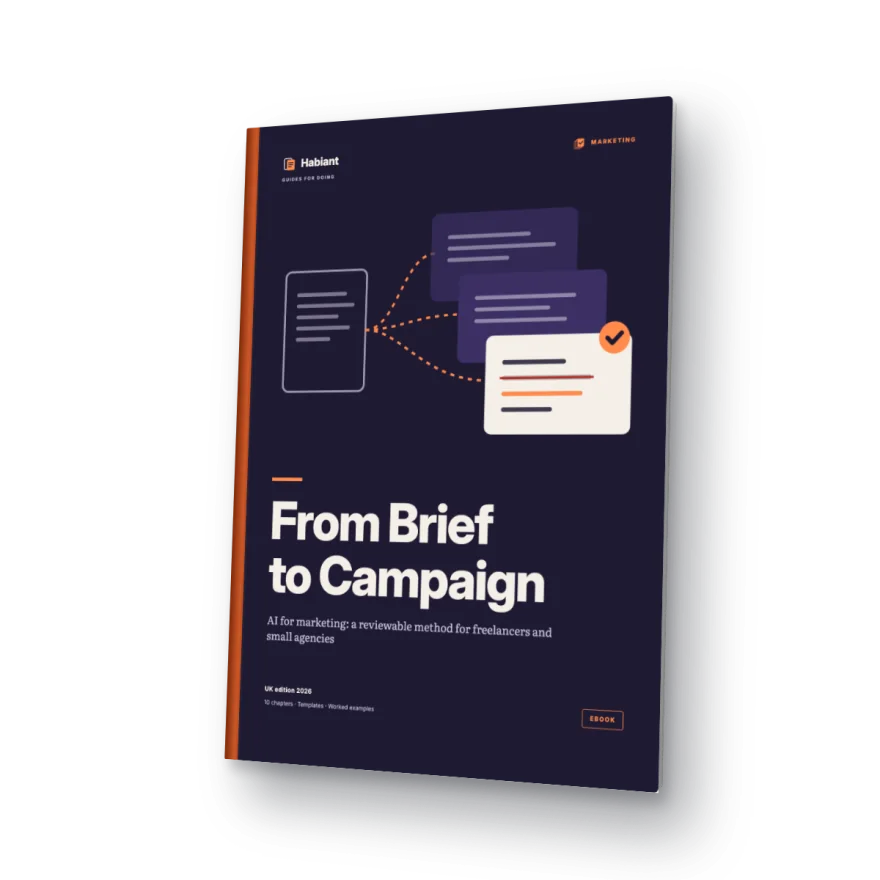
The ebook covers the foundations you need (platforms, context, skills and agents) plus four marketing applications: from brief to calendar, assets and emails, review and client reporting, and a complete campaign.
Before you start
Yes. You receive access to a worked example in PDF without paying or entering card details. The full ebook is a separate product.
An email with your personal link. Opening it generates a PDF with the case, instructions and worked solution, which you can then download.
You can start with a small task and compare your output with the worked solution. The instructions guide you step by step.
Requesting the sample does not subscribe you to marketing. We send the message needed to access your PDF.
For professionals working on client briefs and campaign copy in the UK. The fictional case lets you practise without using client data.
Your copy includes the name and email you enter in the form. It is generated when you open the email link.
Check your address and spam folder. You can request another link from your request page after one minute. For help, email hello@habiant.app.
Your next step
Tell us what you do. We will email you the link to generate and download your personal copy.
Your free worked exampleA method you can put to work.
Get the free sample